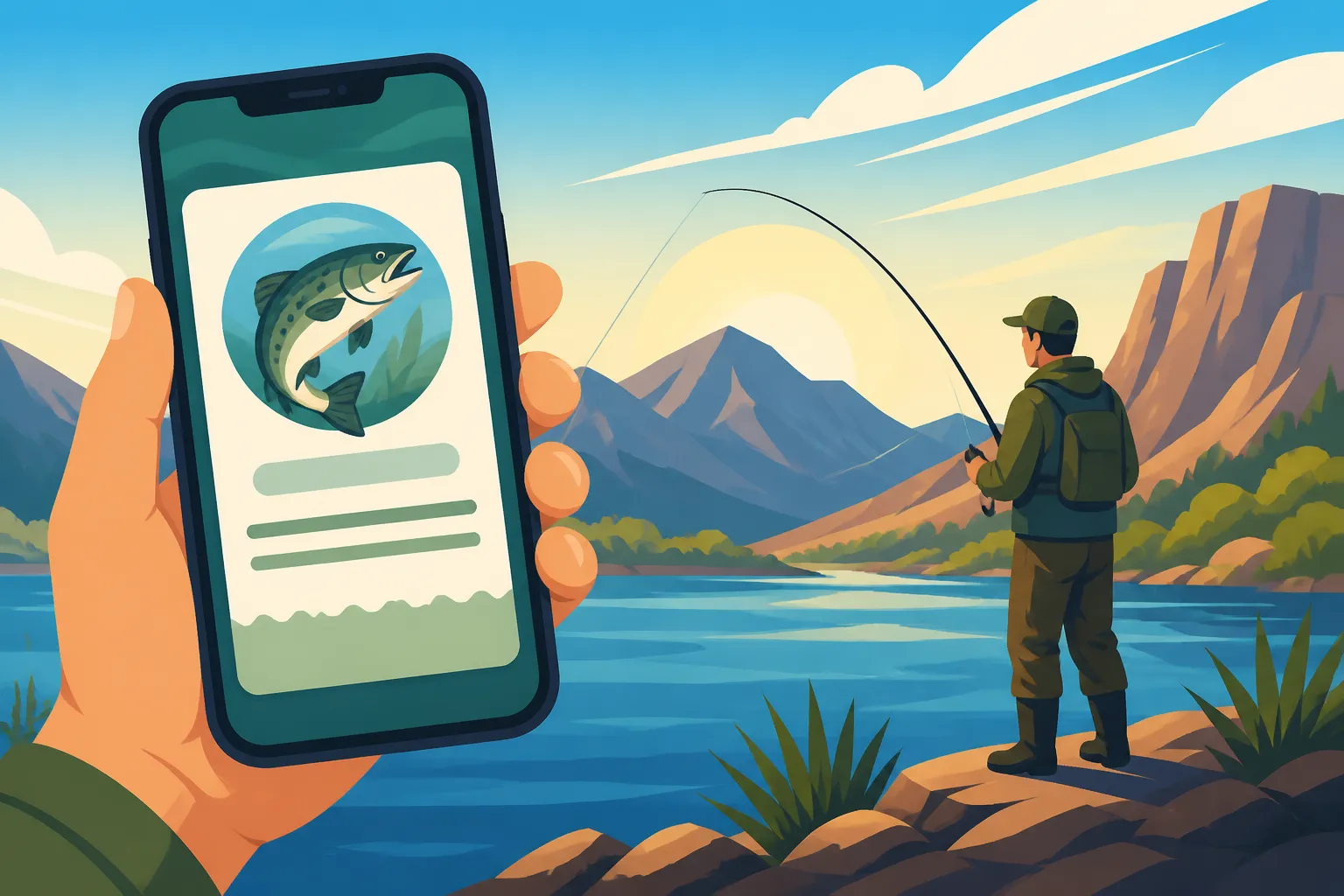
Nevada digital fishing license on a phone
It's frustrating, isn't it? You've got your fishing gear all packed, your cooler full of snacks, and you're ready to hit the water, only to realize your physical fishing license is either still on the fridge, in your other wallet, or worse, completely lost. The panic sets in, imagining a game warden checking your credentials and finding you empty-handed. But what if you could have your Nevada fishing license right there on your phone, always accessible? This guide is here to walk you through everything you need to know about getting and using a Nevada digital fishing license on your smartphone, ensuring you're always legal and ready to cast a line.
The Convenience of Digital Fishing Licenses in Nevada
In today's fast-paced world, carrying physical documents can feel like a relic of the past. Our phones are our wallets, our maps, our cameras, and increasingly, our way to prove we're legally allowed to enjoy our favorite outdoor activities. The Nevada Department of Wildlife (NDOW) has recognized this shift, offering digital solutions that make life a whole lot easier for anglers across the state. No more fumbling for that damp, folded paper license or worrying about losing your wallet to the waves.
Why Anglers are Embracing the Digital Option
Let's be real, we've all been there. You're out on the boat, a slight chop kicks up, and suddenly, your license, which you carefully tucked into your shirt pocket, gets soaked. Or maybe you're packing for a spontaneous weekend trip, grab your usual fishing bag, and completely forget that little plastic card at home. These aren't just minor inconveniences; they can mean the difference between a relaxing day on the water and a potential fine or, at the very least, a frustrating drive back home.
The digital fishing license eliminates these headaches. Imagine knowing that as long as you have your phone, you have your license. It's stored securely in your personal account, readily displayable with a few taps. This provides immense peace of mind, especially when you're exploring some of Nevada's more remote fishing spots where cell service might be spotty. The convenience is truly a game-changer for many anglers, allowing them to focus on the joy of fishing rather than the logistics of paperwork.
Nevada Department of Wildlife NDOW's Approach to Digital Access
The Nevada Department of Wildlife has made significant strides in modernizing its services, understanding that accessibility is key to encouraging more people to enjoy the state's incredible fishing opportunities. Their "Go Outdoors Nevada" online licensing system is the hub for all things fishing and hunting. This portal isn't just for buying licenses; it's your personal outdoor profile where all your permits, tags, and licenses are recorded and stored.
NDOW’s system allows you to purchase your license and then access a digital copy directly from your online account. This digital format is recognized as legal proof of licensure throughout Nevada. It's a testament to NDOW's commitment to leveraging technology to serve the angling community better. They've essentially put the power of compliance right in your pocket, making it simpler than ever to ensure you're always fishing within the rules.
How to Secure Your Nevada Digital Fishing License
Getting your digital fishing license is a straightforward process, designed to be as user-friendly as possible. You don't need any special technical skills, just an internet connection and a few minutes of your time. The best part? You can do it from the comfort of your home, avoiding lines and paper forms.
Step-by-Step Online Purchase Process
The journey to your digital fishing license begins at the official Go Outdoors Nevada website. If you don't already have an account, you'll need to create one. This involves providing some basic personal information, including your name, address, and date of birth. It’s important to enter accurate details, as this information will be linked to your official fishing record.
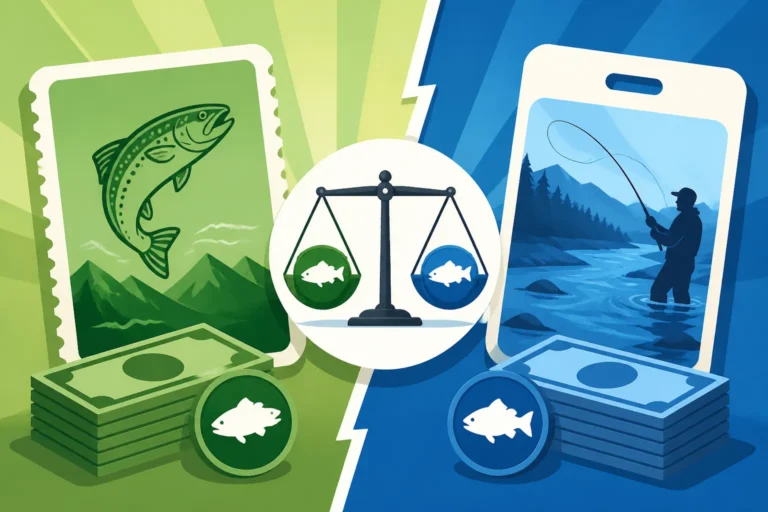
Once your account is set up, you can navigate to the "Buy Licenses" section. Here, you'll be presented with various options, whether you're looking for Nevada Resident Fishing License Types or Nevada Nonresident Fishing License Types. You’ll select the license that fits your needs – an annual license, a 1-day permit, or perhaps a short-term option. Don't forget to consider any necessary endorsements, like adding a Nevada Trout Stamp Cost if you plan on targeting trout. You'll add these items to your cart, proceed to checkout, and complete the payment using a credit or debit card. The system is secure, ensuring your personal and financial information is protected throughout the transaction.
Accessing and Storing Your License on Your Device
Immediately after your purchase is confirmed, your new digital license will be available in your Go Outdoors Nevada account. You'll usually receive an email confirmation with a link to access it directly, or you can simply log back into your profile. The license is typically provided as a downloadable PDF file.
To keep it readily accessible on your smartphone, you have a couple of excellent options. First, you can download the PDF directly to your phone's storage. Most smartphones have a "Files" app or a dedicated downloads folder where you can easily find it. Second, and often even more convenient, is to simply take a screenshot of the license displayed on your screen after logging into your account. This screenshot can then be saved to your photo gallery, making it incredibly quick to pull up when needed. This method is particularly useful in areas with limited or no cell service, as the image is stored locally on your device. Just remember to save the entire license, not just a portion, to ensure all necessary details are visible.
The Smart Angler's Backup Plan
While the digital license offers unparalleled convenience, a truly smart angler always has a backup. Technology, as wonderful as it is, can sometimes be unpredictable. Phones run out of battery, screens crack, or sometimes an unexpected software glitch might prevent you from accessing your files. This is where a physical copy still shines.
Many experienced anglers choose to print a copy of their digital license at home and laminate it or keep it in a protective sleeve. This printed version can be stashed in your tackle box, in your car's glove compartment, or even in a waterproof pocket on your fishing vest. This way, even if your phone decides to take an unscheduled swim or simply gives up the ghost after a long day of mapping fish habitat, you still have valid proof of your license. It’s a small extra step that can save a lot of potential headaches and ensure your fishing trip isn’t cut short by unforeseen technical difficulties.
Understanding Legal Validity and Enforcement
When you’re out on the water, the last thing you want to worry about is whether your license is actually valid. Rest assured, NDOW has made sure that your digital license is just as legitimate as the old paper or plastic card. However, knowing what to expect during a check and how to handle potential tech hiccups is crucial for a smooth experience.
Digital Licenses Are Fully Legal
Yes, a Nevada digital fishing license displayed on your phone is absolutely legally valid. NDOW officially recognizes and accepts digital proof of licensure. The laws have been updated to reflect the move towards digital documentation, so you can confidently present your phone to a game warden without concern. This modern approach benefits everyone; it reduces paper waste, simplifies the process for anglers, and makes enforcement more efficient.
This legality extends to all types of licenses you purchase through the Go Outdoors Nevada portal, including your annual fishing license, any short-term permits, and specific endorsements like a Nevada Trout Stamp Requirements. As long as the digital display clearly shows all the required information – your name, license number, license type, and expiration date – you’re good to go.
What to Expect During a Warden Check
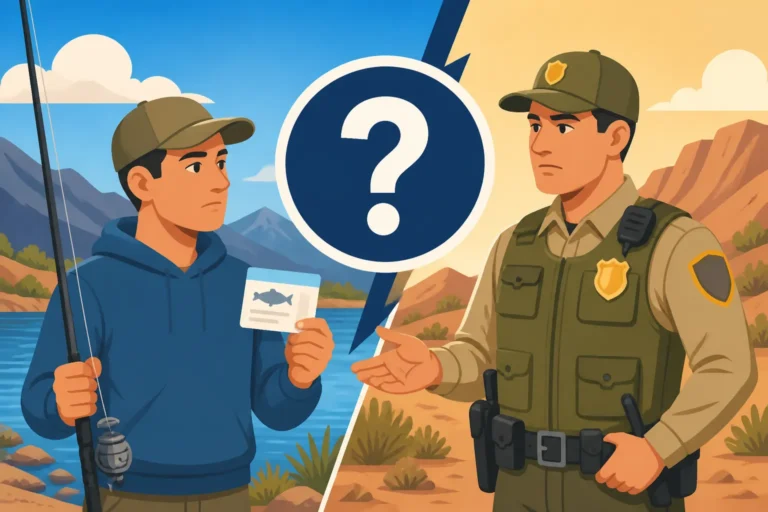
When a Nevada game warden approaches you for a license check, the process with a digital license is quite simple. They will ask to see your fishing license. Calmly unlock your phone and navigate to where you have your digital license saved (either the PDF in your files or the screenshot in your photos). Present your phone to the warden so they can clearly view the license details.
It's common for wardens to also ask for a form of photo identification, such as your driver's license or state ID, to verify that the name on the fishing license matches your identity. This is standard procedure, whether you have a physical or digital license. Be cooperative, keep your phone easily accessible, and don't try to hide or obscure any information. A smooth and respectful interaction ensures you can get back to fishing quickly. Remember, these wardens are out there protecting Nevada's precious natural resources and ensuring fair play for all anglers.
Navigating Signal Dead Zones and Battery Life
Nevada is a state of vast, beautiful, and often very remote landscapes. While the digital license is fantastic, it's wise to consider areas where cell service might be non-existent. Many prime fishing locations, especially high mountain lakes or stretches of the Colorado River, can be signal dead zones. If your digital license relies on an internet connection to load from your online account, you'll be out of luck without service.
This is precisely why saving the PDF to your phone’s local storage or taking a screenshot is so important. Once it's downloaded or screenshotted, it doesn't require an internet connection to display. Furthermore, always be mindful of your phone's battery life. A dead phone means no digital license. Investing in a portable power bank is a smart move for any angler who relies on their phone for navigation, photos, or, of course, their fishing license. You can find reliable power banks online, often through retailers like Amazon, that can keep your devices charged for extended periods, providing peace of mind on those longer excursions. A well-charged phone and a locally saved license file are your best defense against these potential connectivity and power issues.
Managing and Renewing Your Digital License
One of the often-overlooked benefits of the digital system is how much easier it makes managing your fishing credentials throughout the year. From renewal to updating personal details, the Go Outdoors Nevada portal streamlines administrative tasks, letting you spend less time on paperwork and more time planning your next trip.
Seamless Online Renewal
The days of receiving a physical reminder in the mail and then having to drive to a sporting goods store or fill out a paper form are largely behind us. With your digital license, renewing your Nevada Annual Fishing License Renewal is incredibly easy. As your license expiration date approaches, you’ll typically receive email reminders from NDOW prompting you to renew.
You simply log back into your Go Outdoors Nevada account, and often, your expired or soon-to-expire license will be highlighted with an option to renew. The system remembers your previous purchases, making it a quick and efficient process to select the same license type or make changes if your needs have evolved. You can complete the payment online, and your updated license is immediately available in your digital profile. It really couldn't be simpler to stay legal year after year.
Updating Personal Information and Tags
Life happens, and sometimes your personal information changes. Maybe you've moved and need to update your address to ensure you're still eligible for Nevada Resident Fishing License Types, or perhaps you've decided to explore a new species and need to add a specific tag. The Go Outdoors Nevada portal allows you to easily update your personal profile directly from your computer or phone.
Beyond basic information, the digital system also makes it easy to add special tags or permits throughout the year. For example, if you decide to take a trip to the iconic Pyramid Lake, you might realize you need a Pyramid Lake Fishing Permit Guide in addition to your state license. You can usually purchase and add these endorsements to your existing license digitally, and they will become part of your accessible digital record. This flexibility means you're not locked into your initial purchase and can adapt your fishing plans as new opportunities arise.
Troubleshooting Digital Access Issues
While the digital system is incredibly convenient, occasionally you might run into an issue. Forgetting your password, accidentally deleting a saved PDF, or encountering a rare system glitch can be frustrating. The first step is usually to check the "Help" or "FAQ" section on the Go Outdoors Nevada website, as many common problems have straightforward solutions.
If you've forgotten your password, there's typically an easy "Forgot Password" link that will guide you through resetting it via email. If you've deleted your license PDF or screenshot, simply log back into your account on the Go Outdoors Nevada portal and re-download or re-screenshot it. For more complex issues, or if you simply can't find what you need, don't hesitate to contact the Nevada Department of Wildlife directly. Their customer service team is there to assist anglers and can often resolve access issues or help you retrieve your license information quickly. Having a physical backup also completely bypasses these digital troubleshooting steps if you're already out fishing.
Enhancing Your Fishing Experience with Digital Tools
The digital age isn't just about showing your license; it's about a whole suite of tools that can profoundly improve your fishing success and enjoyment. From understanding regulations to finding the perfect spot, your smartphone can be an invaluable companion on any Nevada fishing trip.
The NDOW Go Outdoors Nevada Platform and Other Digital Resources
While NDOW doesn't currently offer a dedicated, standalone "app" solely for license display, the entire "Go Outdoors Nevada" portal is designed to be highly mobile-friendly. This means you can comfortably access your account, purchase licenses, and even browse other NDOW resources directly from your smartphone's web browser. Think of it as a powerful web-based app that lives in your browser.
Beyond just licenses, NDOW provides a wealth of digital information crucial for anglers. This includes official press releases, news on conservation efforts, and important updates regarding Nevada's fisheries. Keeping an eye on these resources can give you an edge, informing you about new stocking locations, changes in regulations, or upcoming events. It's all part of the digital ecosystem designed to support Nevada's outdoor enthusiasts.
Digital Access to Regulations and Area-Specific Information
One of the biggest advantages of digital resources is instant access to the latest Nevada Fishing Regulations Explained. No more carrying around a bulky paper booklet that might be outdated. With a few taps on your phone, you can pull up the current statewide rules, specific regional regulations, and even detailed information for particular bodies of water.
Need to check the Nevada Statewide Bag Limits Explained for trout or bass? Curious about the unique rules for Pyramid Lake Season and Bag Limit Rules or what you need to know about fishing at Lake Tahoe Nevada Fishing License Rules? All this information is readily available on the NDOW website. This instant access helps ensure compliance and allows you to make informed decisions while you're actually fishing, rather than guessing or relying on potentially outdated memory. It's a fantastic tool for both seasoned anglers and newcomers alike, promoting responsible and enjoyable fishing.
Utilizing Digital Maps and GPS for Spot Finding
Beyond regulations, your smartphone is an incredibly powerful mapping and GPS device. Many anglers use apps like Google Maps, Apple Maps, or specialized fishing apps to navigate to fishing spots, mark productive areas, and understand the contours of lakes and rivers. This digital navigation can be invaluable, especially when exploring new waters or trying to find specific access points.
While you won't be buying your fishing license on Amazon, you might consider picking up some handy accessories there, such as a waterproof phone case or a sturdy phone mount for your boat or kayak. These tools can protect your device and keep your digital maps and license accessible while you're actively fishing. Combining your digital license with advanced mapping capabilities transforms your phone into a comprehensive angling assistant, helping you find those hidden gems and maximize your time on the water. You can even check Nevada Trout Stocking Schedule reports online to see which urban ponds or reservoirs have recently been stocked, then use your map app to navigate directly to them.
Common Questions About Nevada Digital Fishing Licenses
Even with all this information, some questions naturally pop up when transitioning to a digital license. Let's tackle some of the most frequently asked queries to make sure you feel completely confident in your digital angling journey.
What if My Phone Dies or Gets Damaged?
This is perhaps the most common concern, and it's a valid one! As we've discussed, a dead phone means no accessible digital license. This is precisely why the "smart angler's backup plan" is so crucial. Always have a printed copy of your license stashed away in your tackle box, vehicle, or a waterproof bag. It’s also wise to carry a fully charged portable power bank for your phone, especially on longer trips.
If your phone gets damaged – say, it takes an unexpected dip in Lake Mead or gets dropped on a rocky shore – a printed backup is your immediate solution. If you don't have a printout, you would need to rely on the hope that someone else in your party has a device with your license (if you shared it, which is generally not recommended as licenses are personal) or that you can quickly get to a location with internet access to log into your Go Outdoors Nevada account from another device and retrieve it. Prevention with a good waterproof case and a physical backup is always the best strategy.
Can I Share My Digital License?
Absolutely not. Your Nevada fishing license, whether digital or physical, is a personal document tied directly to your identity. It contains your unique license number and personal information, including your date of birth and residency status. Sharing your digital license, or allowing someone else to use your license, is a serious violation of Nevada fishing regulations and could result in significant fines, loss of fishing privileges, or other penalties.
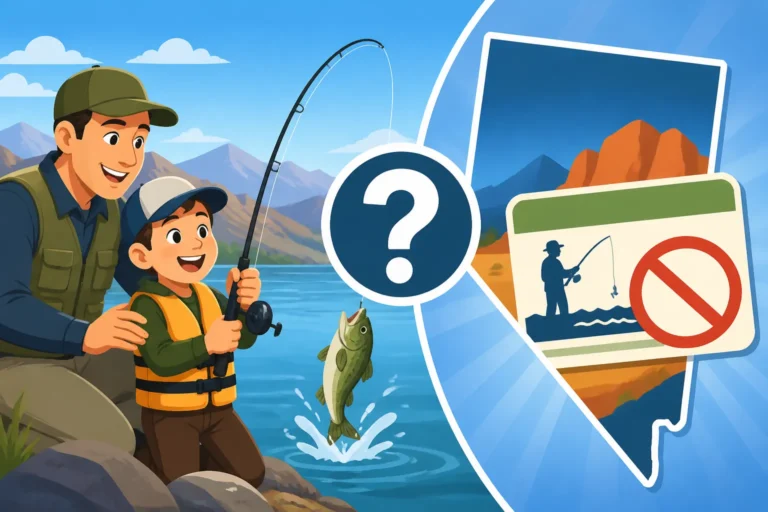
Each individual angler, regardless of age (unless they fall under specific Nevada Fishing License Exemptions and Discounts like very young children), must possess their own valid fishing license. This rule applies even if you're fishing with family members or friends. Always ensure that everyone fishing in your party has their own legal documentation ready for inspection.
Does the Digital License Include My Trout Stamp or Other Endorsements?
Yes, when you purchase endorsements like a trout stamp, an archery tag, or any special permit through the Go Outdoors Nevada portal, these are digitally linked to your primary fishing license. When you view or download your digital license, all valid endorsements that you've purchased will typically be listed directly on the license document itself or be clearly indicated within your online account profile.
This integrated approach means you don't need separate digital files for each endorsement. Your single digital fishing license acts as your comprehensive proof of legal permission for all the activities and species you've paid for. It simplifies what could otherwise be a confusing array of separate documents, keeping all your legal fishing privileges neatly organized in one place on your phone.
| Feature | Digital Fishing License (on phone) | Physical Fishing License (printed/card) |
|---|---|---|
| Accessibility | Always with your phone, quick retrieval | Can be forgotten, lost, or left behind |
| Durability | Protected by phone, but vulnerable to water/damage | Vulnerable to water, tearing, fading |
| Verification | Legal display on smartphone screen | Traditional paper or plastic card display |
| Backup | Recommend physical printout & power bank | Recommend keeping a spare at home/in car |
| Convenience | Purchase and renew from anywhere, anytime | Requires a vendor visit or mail-in for some |
| Updates | Instant updates in online profile | No instant updates, relies on reprints |
| Connectivity Need | Internet needed for initial access (unless screenshotted) | No internet needed |
| Cost | Same as physical license, no extra fee for digital format | Same as digital, plus printing cost if done at home |
Disclaimer
Please remember that fishing regulations and licensing requirements can change. While this guide provides the most current information available, it is always your responsibility to verify the latest rules and regulations directly with the Nevada Department of Wildlife (NDOW) before heading out to fish. This guide is for informational purposes only and should not be considered legal advice.